Skip to content

Live nowby jetsetworm1.0.0

Prop Hunt

Hide in the Cursed Apple as props from around the map!

Up to 32 players can join this classic game mode from the Source Engine Modding community. Prop Hunt began as CrateDM (1998) in Quake, then was a Team Fortress 2 mod, and today in Deadlock!

Free. Steam brings you straight back to this page.

  1. 01Steam account
  2. 02Hyperline on PC
  3. 03Play Prop Hunt
Players
Up to 32
Format
Hide and seek
Round
3 minutes
Map
The Cursed Apple
Modes
Full server
On location

Act I

Pick the stage

Vote where you’ll hide and seek before the match starts! Pick from the Haunted Lot, Theater, or Chinatown.

Theater
Haunted Lot
Chinatown
Vote for where you’ll hide and seek

Act II

Play the part

Choose your prop wisely and blend in to survive!

The cast, in costumeStill 02
  • A wooden shipping crateCrate
  • A green fire hydrantFire hydrant
  • A wire trash can full of paperTrash can
  • An orange and white traffic coneTraffic cone
  • A worn basketballBasketball

One of these is a player.

Act III

The hunt

Seekers search for the hiders, looking for out-of-place props. How well do you know the map in Deadlock? Time to find out!

Found
The seekers, on the huntStill 03

Curtain call

Points and wardrobe

Every round pays out Prop Points. Spend them in the shop on your nameplate’s color, glow, plate and motion.

Admit one

Take your seat

Free. Steam brings you straight back to this page.

Send a friend

More mods

Browse all

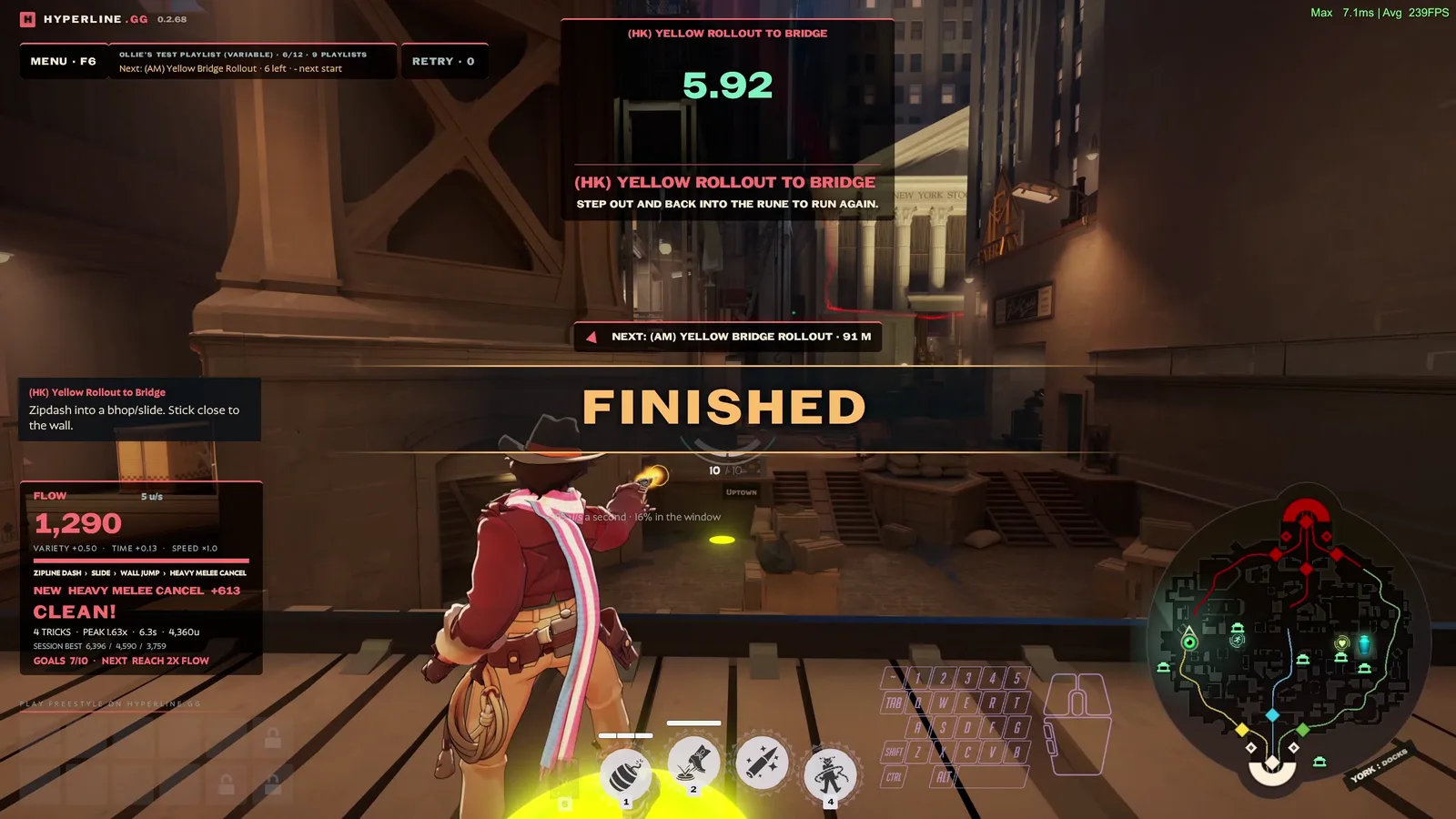
Freestyle

The open movement map.

1 or moreMovement
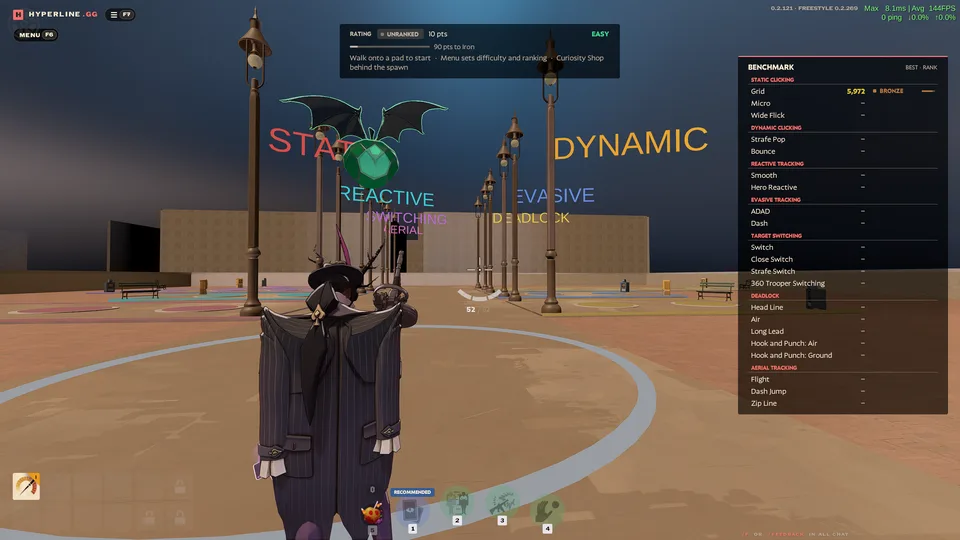
Aim RangeAlphaAn early version, still changing and likely to break. Tell us what to fix with /feedback in game chat or in our Discord.

One-minute aim drills as Wraith, scored and ranked.

SoloPractice
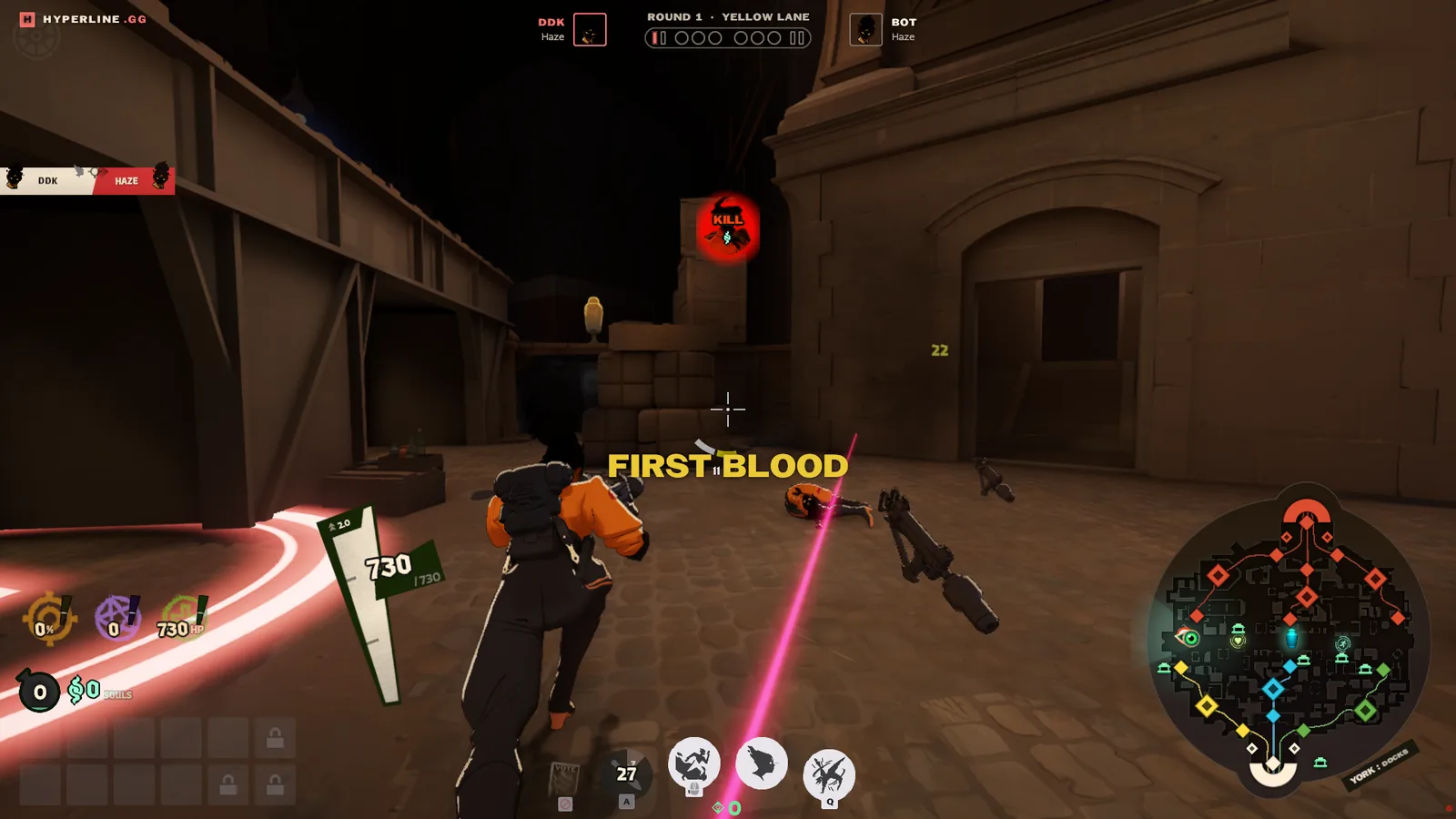
Cursed Arena

1v1 and 2v2 duels in lane circles, and team fights of up to six a side.

2 to 12Arena

Join lobby

Install Hyperline on your PC

Join the lobby to take a seat. The host starts the game.

Send feedback

We read every feedback and apply changes quickly. Or join Discord!

Friends

Better with your crew.

Sign in to find friends, share a lobby, and play together.

Install Hyperline

Hyperline is a small app for your gaming PC. It opens Deadlock straight into the game you pick here.

  1. Install Hyperline on this PC, current step

    Run the download. Hyperline opens when it finishes.

  2. Sign in from the Hyperline window, not yet

    Choose Sign in, then Continue in the browser tab it opens. Use the Steam account you use here.

  3. Join the game, not yet

    This closes by itself once Hyperline connects.

    Waiting for the Hyperline app

Not connecting?
  • Allow the firewall prompt. Check for one.
  • Allowlist Hyperline in your antivirus.
  • Sign in with the same Steam account.