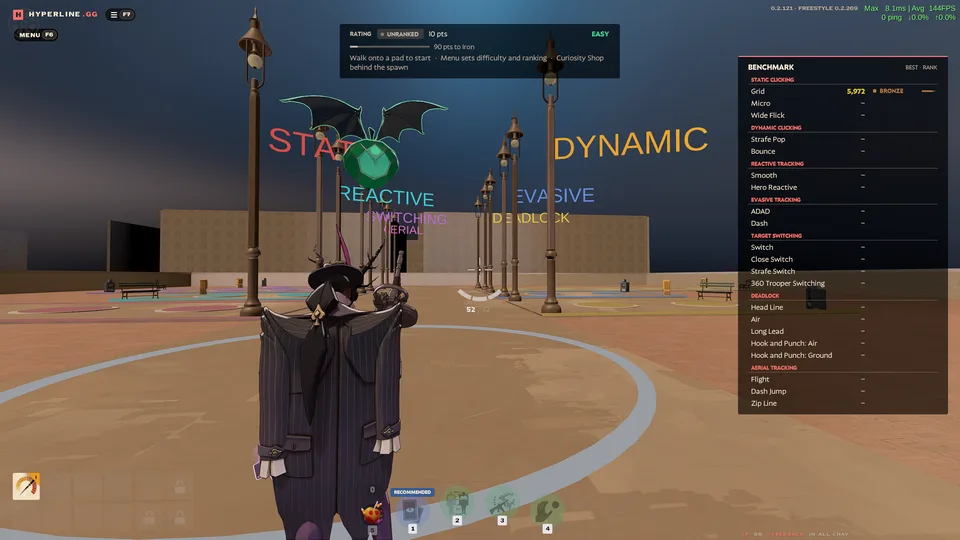
Aim Range
One-minute aim drills as Wraith, scored and ranked.
In testing · Practice · Solo · One minute runs
2 lobbies · 2 playing
Play
Hyperline brings community-created custom game modes and training to Deadlock.
Level up your movement skills with community routes and mechanics drills in Freestyle.
Route 41 · ddk · Movement School · 3.30
Duels, aim drills and party games. Press Play on any of them.
All mods
One-minute aim drills as Wraith, scored and ranked.
In testing · Practice · Solo · One minute runs
2 lobbies · 2 playing
Play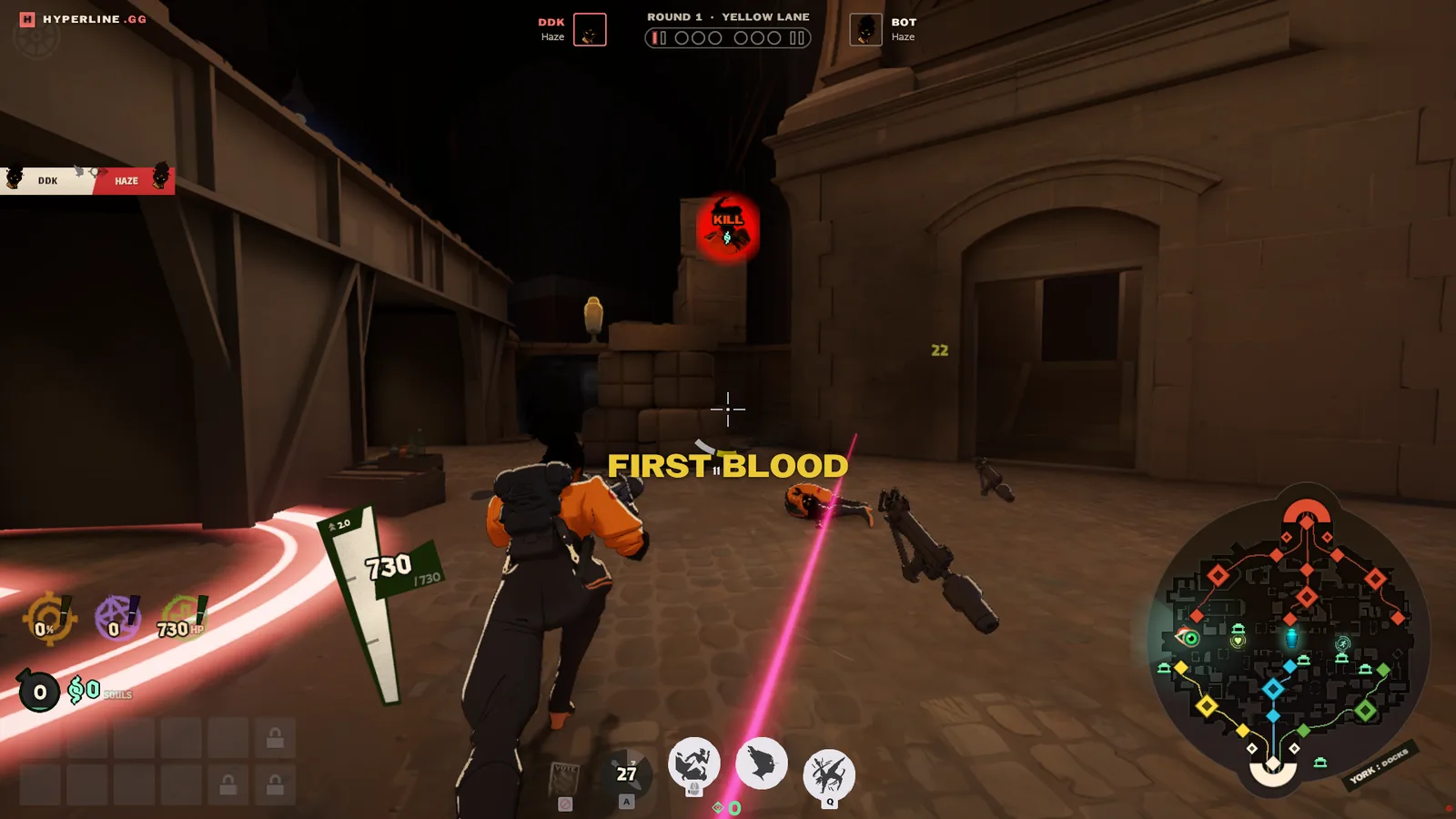
1v1 and 2v2 duels in lane circles, and team fights of up to six a side.
Arena · 2 to 12 players · About 6 minutes
1 lobby · 1 playing
Play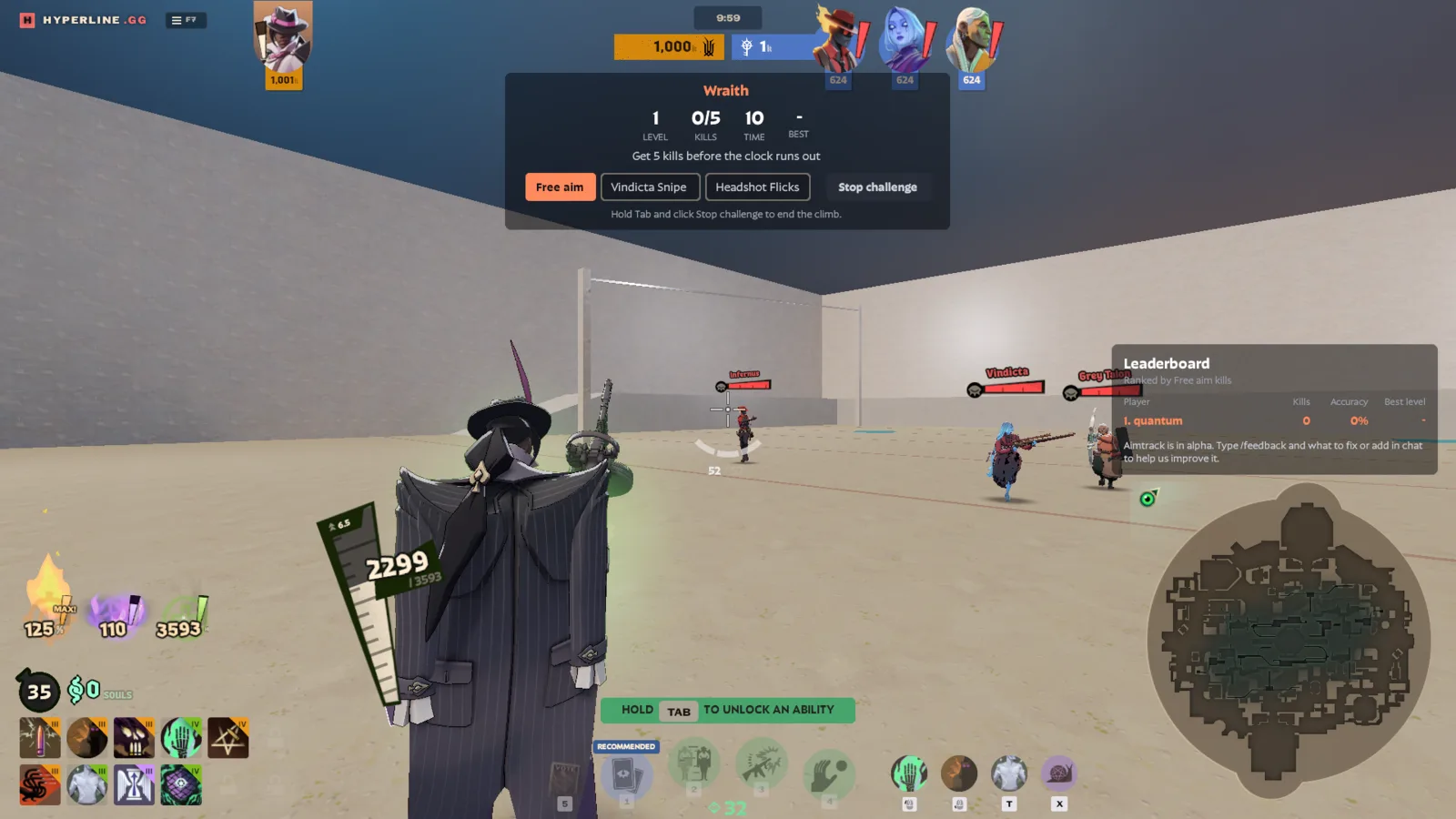
Aim practice against moving bots, as any hero with unlimited souls.
In testing · Practice · 1 to 12 players · As long as you like
2 lobbies · 2 playing
Play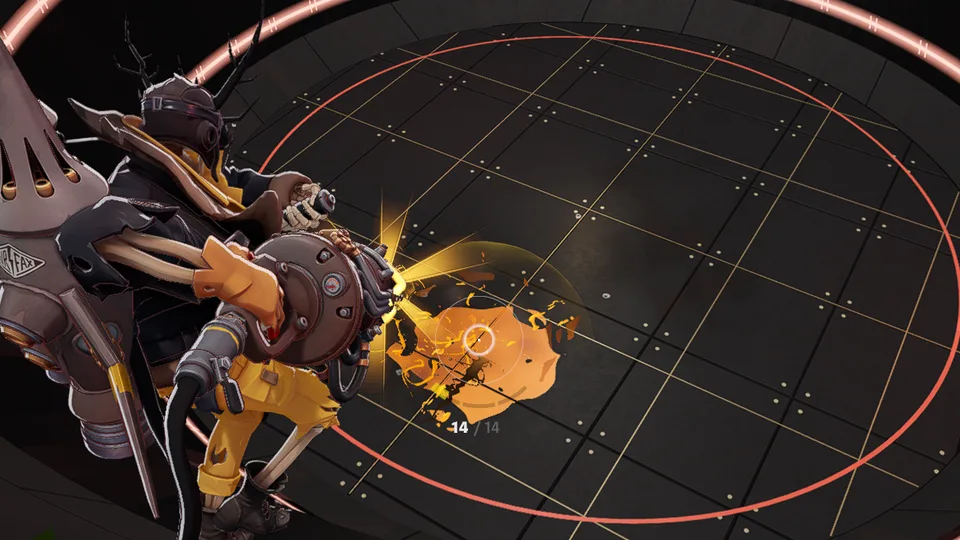
A rocket duel where only hits in the air count.
In testing · Duel · 2 players · About 3 minutes a match
21 this week
Play
A 1v1 lane duel where the game drafts your items.
Duel · 2 players · 15 to 25
9 this week
PlayNo. Hyperline leaves your existing mods and settings as they are and downloads only the content Hyperline modes need.
No. Hyperline is free.
Deadlock on Steam and a Windows or Linux PC.
No. Sign in with Steam and you can play straight away.
No. Hyperline adds custom game modes. It doesn’t change regular matches or give you any advantage in them. The code is public on GitHub, so anyone can check.
Hyperline doesn’t touch matchmaking. Custom games run separately, and your regular matches stay as they are. Valve hasn’t endorsed Hyperline, though, so we can’t promise anything for them.
Dan “ddk” Kapadia and Christian “paralin” Stewart. We’re avid Deadlock players, long-time modders and members of the Source-engine community, and Dan is a caster for Deadlock Night Shift.
No. Hyperline is an independent community project, not affiliated with Valve.
Yes. Hyperline is signed, but some antivirus programs, such as
Avast, AVG, Norton and Windows Defender, flag new programs that work
with a game. Restore Hyperline from the quarantine, add
C:\Program Files\Hyperline and
%APPDATA%\Hyperline as exceptions, then open Hyperline
again.