Skip to content
HYPERLINEBeta
Set up your PC

HyperlineOFFICIALAlphaAn early version, still changing and likely to break. Tell us what to fix with /feedback in game chat or in our Discord.

The Works

Every Modlock feature on one menu, one button each.

A menu of Modlock demos: world text, effects, entities, hero powers and server rules, one button each.

Play opens a lobby set up for this game. Invite friends, then start it on your PC.

Match
As long as you like

Why play it

  • 01Portals, a black hole, telekinesis, fireworks and an orbital strike.
  • 02Mini games with records: a shooting gallery, a sky race, a horde, a light cycle and an echo of yourself.
  • 03World text, effects, entities, hero powers and server rules, one button each.

How it plays

  1. Step 1: Pick a hero, then hold Tab and press a demo on the menu.
  2. Step 2: Type /works to open the menu, or /works <demo> to run one.
  3. Step 3: Clear all removes what your demos placed.

What’s new

0.2.4

Telekinesis no longer crashes the game when a thrown crate lands. The menu is redrawn in Hyperline's style: group tabs down the side, a short description under every demo, and On and Live tags. Demo results show as notices at the lower left.

More mods

Browse all

Aim RangeAlphaAn early version, still changing and likely to break. Tell us what to fix with /feedback in game chat or in our Discord.

One-minute aim drills as Wraith, scored and ranked.

SoloPractice
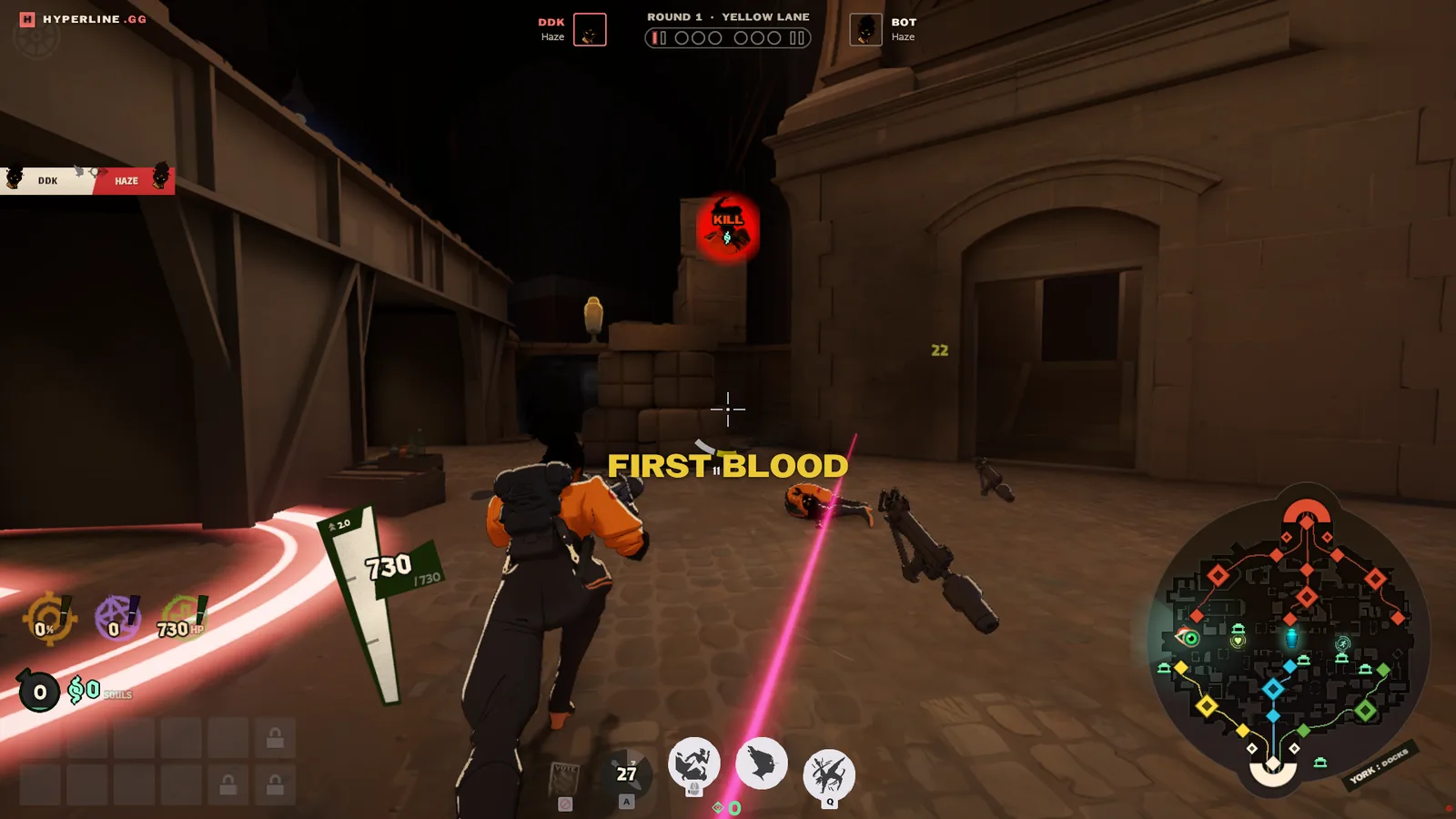
Cursed Arena

1v1 and 2v2 duels in lane circles, and team fights of up to six a side.

2 to 12Arena

AimtrackAlphaAn early version, still changing and likely to break. Tell us what to fix with /feedback in game chat or in our Discord.

Aim practice against bots, with any hero and endless souls.

1 to 12Practice

Join lobby

Install Hyperline on your PC

Join the lobby to take a seat. The host starts the game.

Send feedback

We read every feedback and apply changes quickly. Or join Discord!

Friends

Better with your crew.

Sign in to find friends, share a lobby, and play together.

Install Hyperline

Hyperline is a small app for the PC you play Deadlock on. It opens Deadlock straight into the game you pick here. How it works

Download Hyperline for Windows

Run it, then choose Sign in in its window.

Waiting for the Hyperline app
Not connecting?

Choose Sign in in the Hyperline window, then Continue in the browser tab that opens, using the same Steam account as this website. Check for a Windows firewall prompt behind other windows. Antivirus programs sometimes quarantine Hyperline; restore it, then open it again.