Skip to content
HYPERLINEBeta
Set up your PC
Sign in

by Cosmic CaptNew

Ability Draft

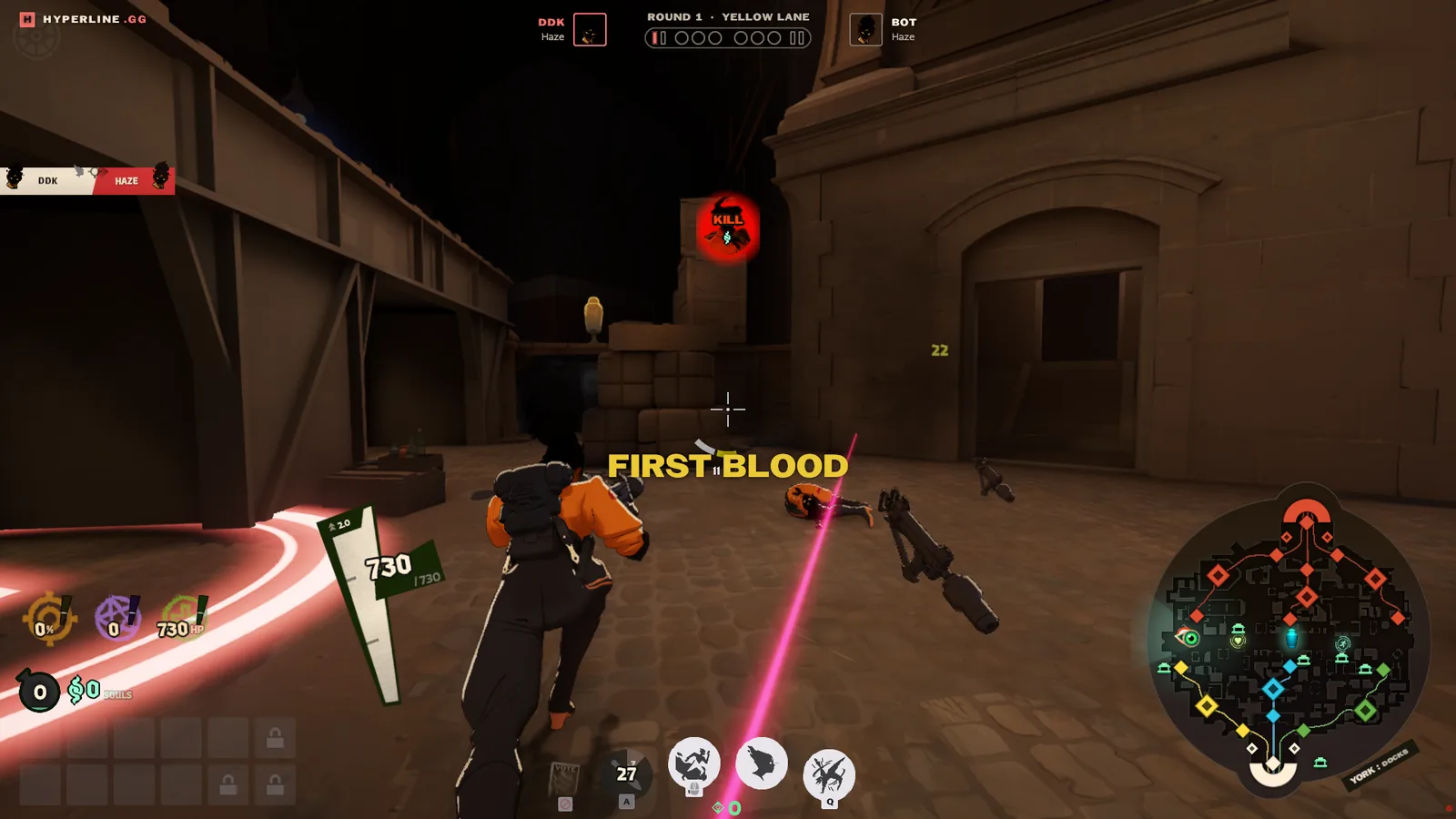
In this mode you get random characters at the start of the match then as teams take turns drafting abilities from those heroes. See what kind of wacky combos you can get like a Rem with Silver ultimate turning him into a wolf or a flying Baba thanks to Danny's second ability!

Play opens a lobby set up for this game. Invite friends, then start it on your PC.

Players
1 to 12
Match
Normal Deadlock Length
Type
Party

How it plays

  1. Step 1: Once everyone is in the lobby, type /draft or /draft bots to fill empty slots with bots
  2. Step 2: Everyone gets a random hero
  3. Step 3: On your turn, hold TAB and click an ability on the right to pick one
  4. Step 4: After drafting is done you will load into a new map
  5. Step 5: You spawn at base, not on a zipline (fix coming)

Leaderboard

Sign in to see the leaderboard.

What’s new

0.1.1

Added a restart command to quickly restart lobbys. Still working on fixing crashing issues for hyperline.

More mods

Browse all

Aim RangeAlphaAn early version, still changing and likely to break. Tell us what to fix with /feedback in game chat or in our Discord.

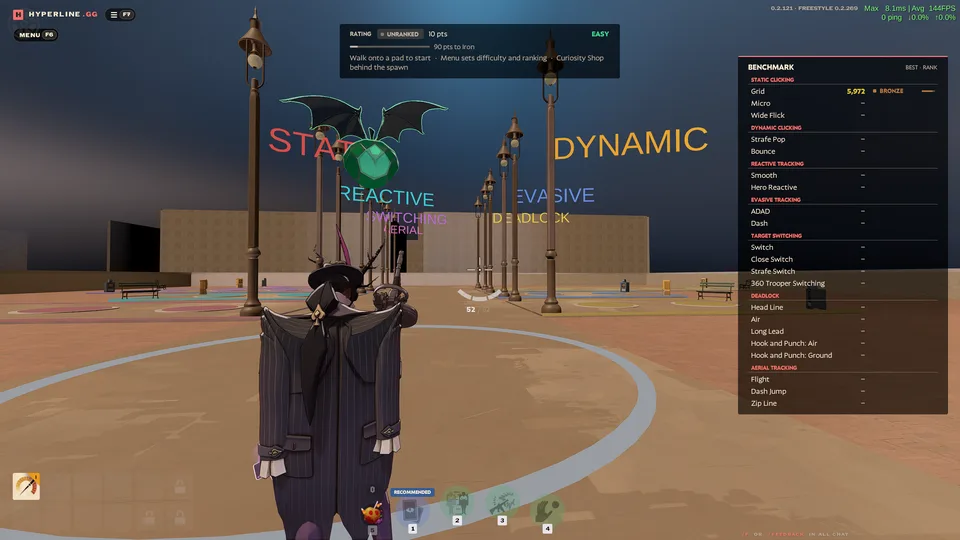
One-minute aim drills as Wraith, scored and ranked.

SoloPractice

Cursed Arena

1v1 and 2v2 duels in lane circles, and team fights of up to six a side.

2 to 12Arena
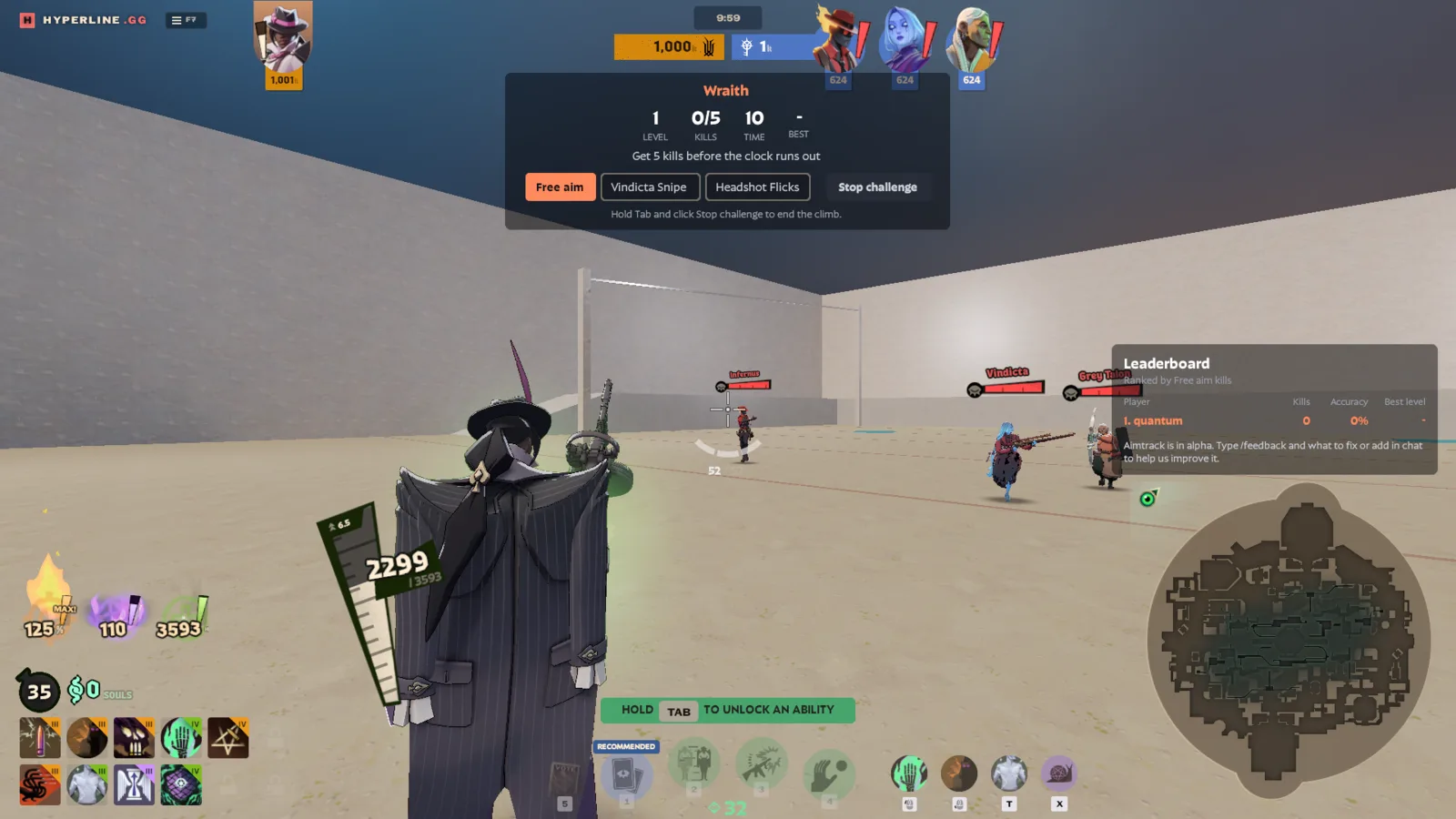
AimtrackAlphaAn early version, still changing and likely to break. Tell us what to fix with /feedback in game chat or in our Discord.

Aim practice against moving bots, as any hero with unlimited souls.

1 to 12Practice

Join lobby

Install Hyperline on your PC

Join the lobby to take a seat. The host starts the game.

Send feedback

We read every feedback and apply changes quickly. Or join Discord!

Friends

Better with your crew.

Sign in to find friends, share a lobby, and play together.

Install Hyperline

Hyperline is a small app for the PC you play Deadlock on. It opens Deadlock straight into the game you pick here. How it works

Download Hyperline for Windows

Run it, then choose Sign in in its window.

Waiting for the Hyperline app
Not connecting?

Choose Sign in in the Hyperline window, then Continue in the browser tab that opens, using the same Steam account as this website. Check for a Windows firewall prompt behind other windows. Antivirus programs sometimes quarantine Hyperline; restore it, then open it again.